
Safety and the ISM system · Module 17
Gangway control and the ISPS visitor log
A tablet at the gangway that signs people on and off, logs visitors, and shows who is on board right now.
FOR-2004-06-22-972
What it is for
The requirement, and the problem
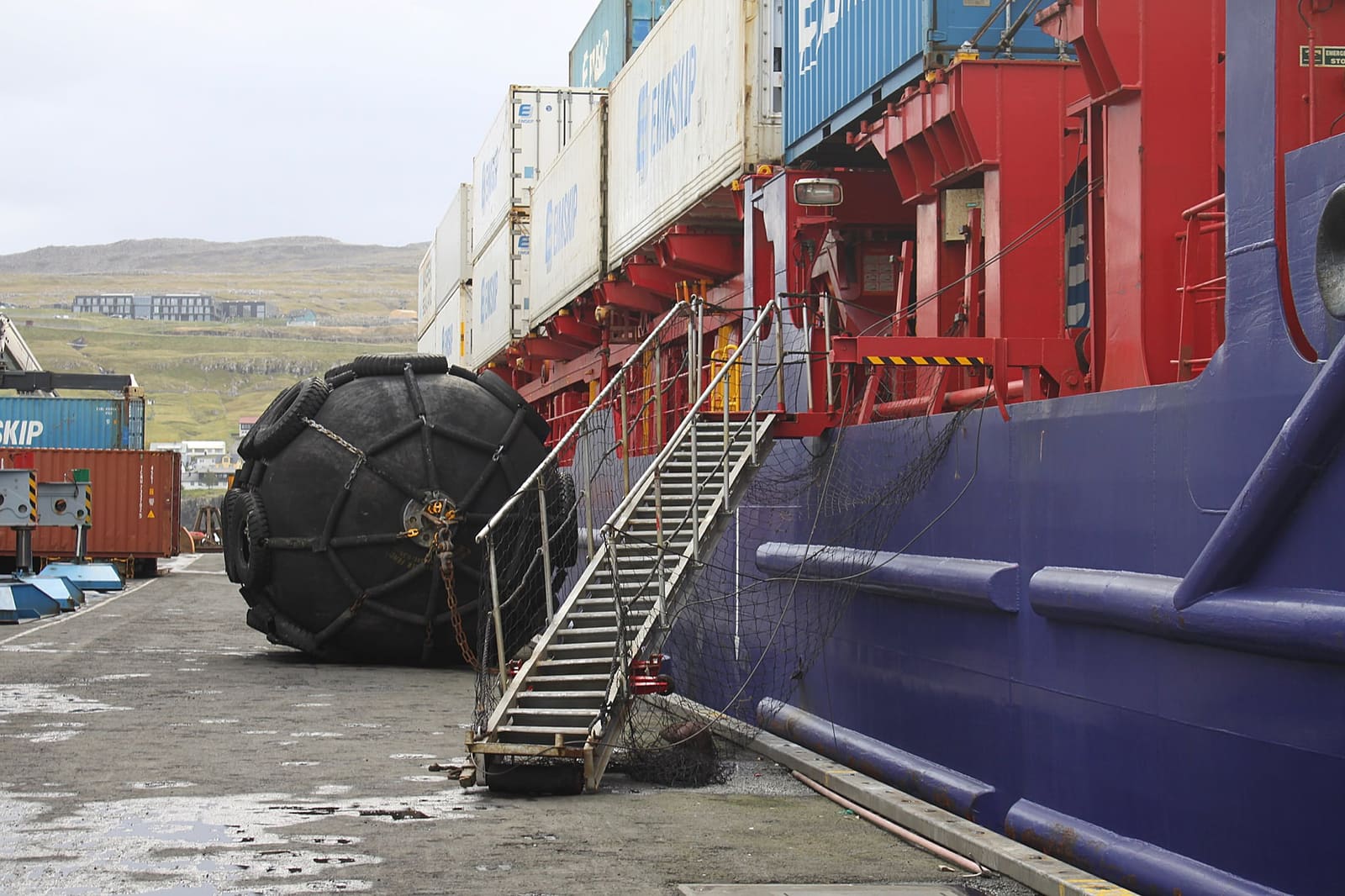
The gangway is where the crew list is actually decided, and in most systems it is the one place the system is not. Somebody keeps a paper book, and on Monday somebody in an office types some of it in.
The wall screen is a route with no shell: no sidebar, no page title, no back button. A screen bolted to a bulkhead must stay on this view, and every navigation control is a way for it to end up somewhere else with nobody there to put it back.
How it works
Three steps, on board and ashore
- 1
On and off at the gangway
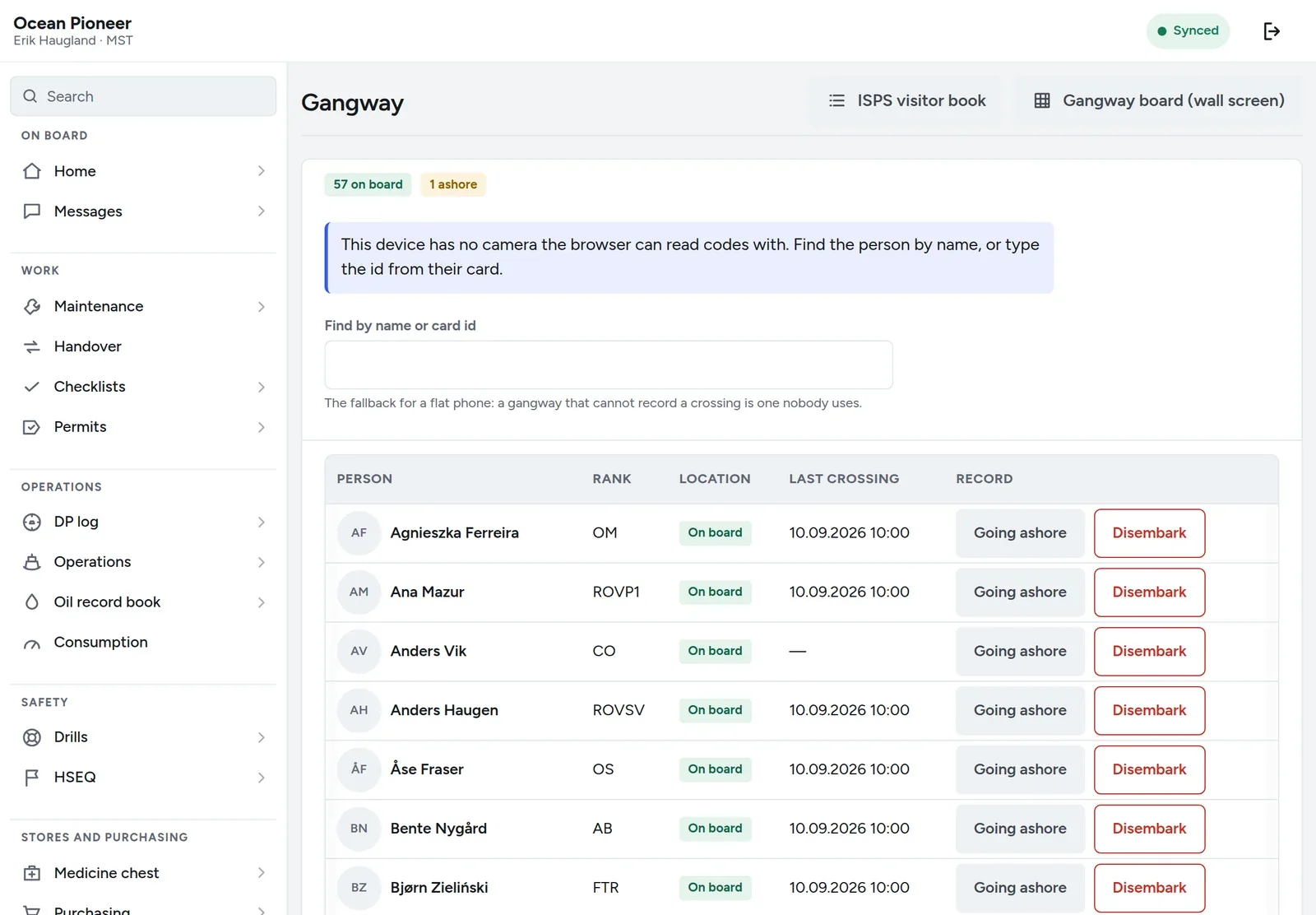
Crew and visitors are logged on and off at a tablet by the gangway, and a visitor can sign themselves in.
- 2
Always a count
Who is on board feeds the muster list and the emergency alert, so a count at the muster station is a count of real people.
- 3
The log, kept
The ISPS visitor log is kept per vessel and exports for a port facility or an inspector.
Example with demo data
What it looks like
A working picture of the module with demo data from the Ocean Pioneer — the same ship you find in the demo.
Try the demo — no account, in your browser, with the PIN 1234.
- The wall — the gangway tablet, no navigation
- Visitors — in, out, and who they came to see
- Access cards — issued, returned, lost
- My pass — on the person’s own phone
The same count feeds the muster list and the emergency alert.
In detail
What the module does
The wall screen
One view, no navigation, signed in once as the gangway device and left that way. It is the only screen in the product deliberately built without a way out.
Sign off that actually signs off
A red DISEMBARK on the gangway takes the person off the crew list there and then. The list is right within the minute rather than on Monday.
Visitors sign themselves in
Name, company, who they are visiting, and out again when they leave. Nobody has to stand there operating it for them.
My pass
A crew member’s own pass on their own phone, which is also how somebody who has forgotten their card gets back aboard without a conversation.
Access cards
Issued, returned, and lost — as records rather than as a drawer.
Persons on board, right now
The same records the muster and the daily report read. There is one number for how many people are on this ship and everything uses it.
The decision
One number for who is aboard
The crew list, the muster, the daily report’s head count, the gangway board and the emergency alert all read the same embarkation records. There is no second list that somebody maintains.
That is not an architectural nicety. It is the reason that in an emergency the number on the screen is the number of people.
Works with
One product, not nineteen
Crew and certificates
Who is on board, what each position must hold, and which certificate expires before the crew change.
FOR-2011-12-22-1523Drills and exercises
Statutory drills per shift and per person, with the departure check that says whether this crew may sail.
SOLAS III/19.3.2Accommodation
Decks, cabins and berths, who sleeps where, and the cleaning record — tied to the watch so nobody is woken.
MLC 2006, Regulation 3.1
Put one vessel on it for two months
No card and no implementation project. A company adds its own vessel and its own people on its own afternoon — and if it is not for you, you stop, with your data exported first.